
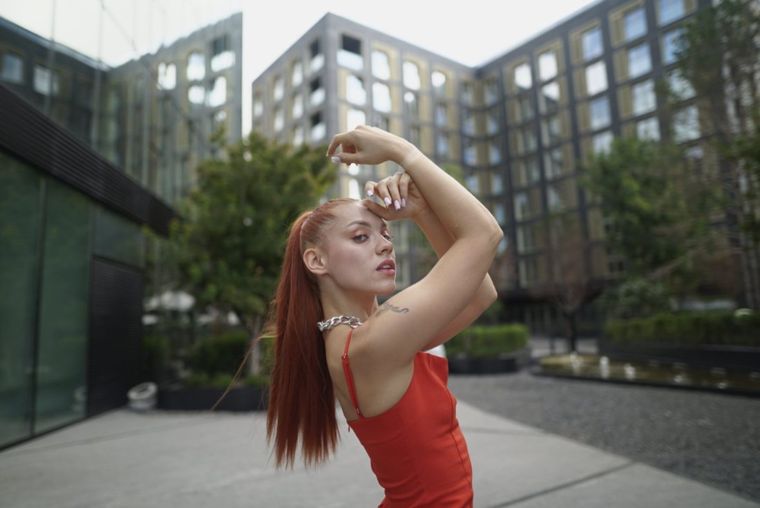
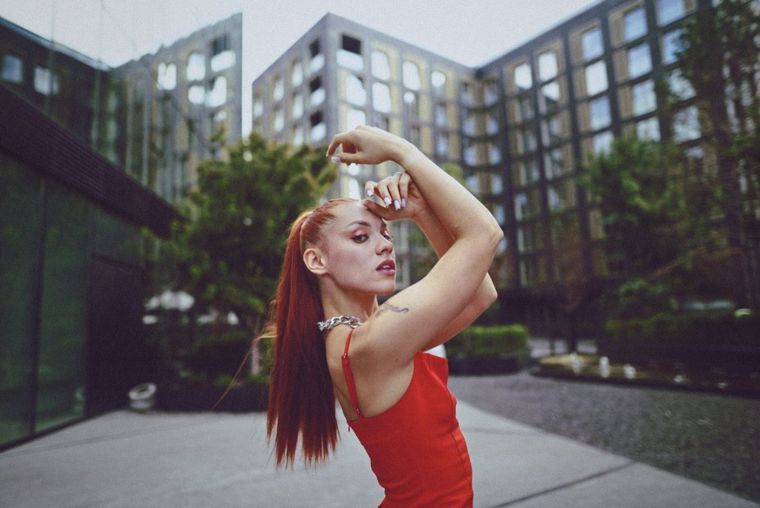
 BeforeAfter
The best investment of the year. It gave my work a much more modern, consistent and sophisticated identity, and the clients soon noticed the difference in the delivery.
Felipe Almeida
You can change this later at the top of the page.
500+ Lightroom presets for computer and phone. The same ones I use in my concert, wedding, food and brand work: you apply the preset, adjust the exposure and deliver.
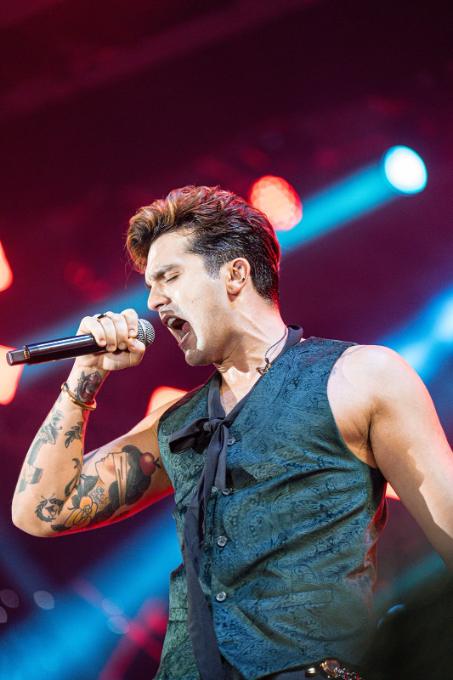
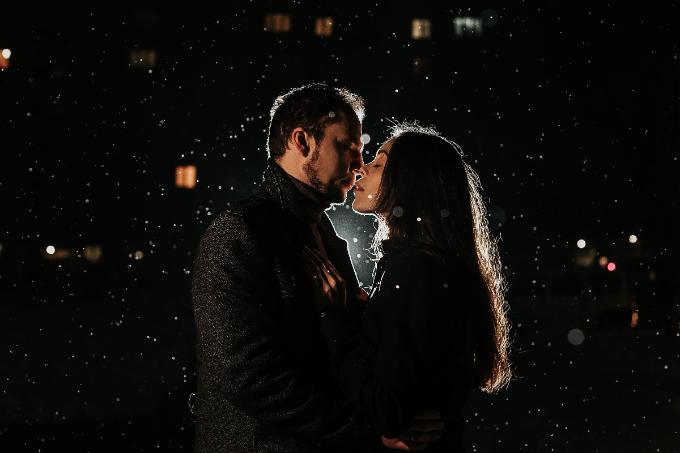
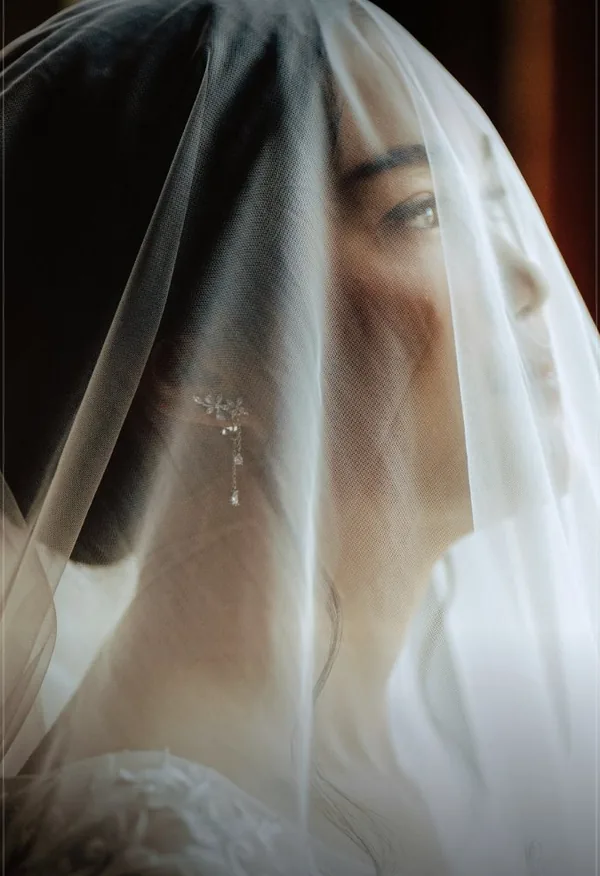
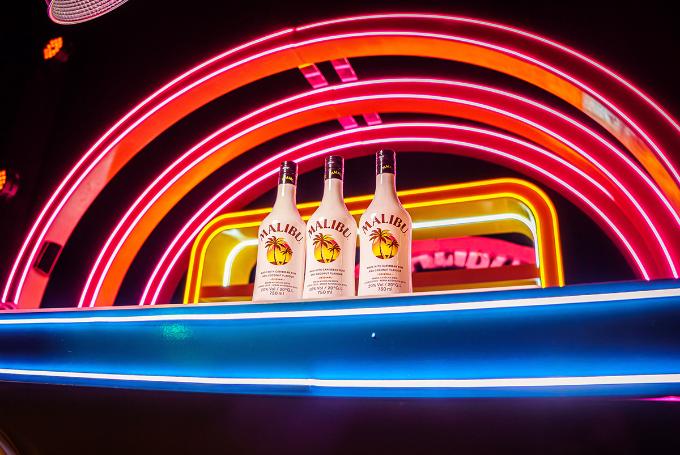
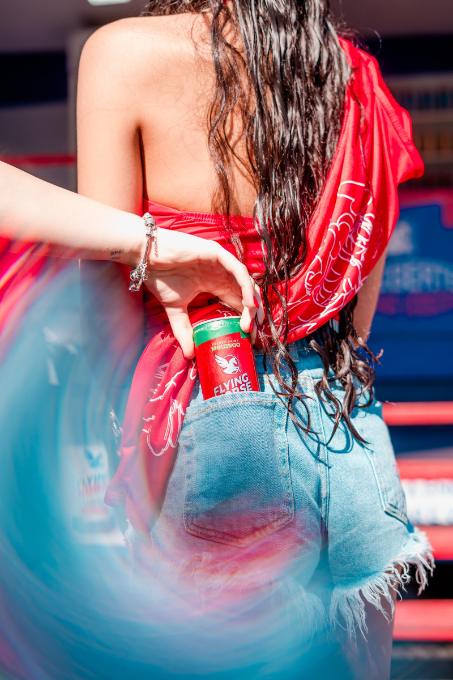
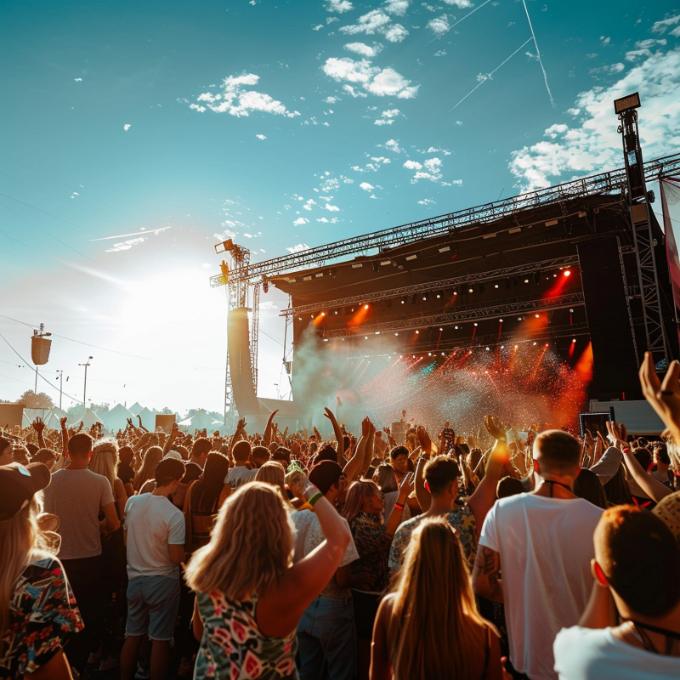
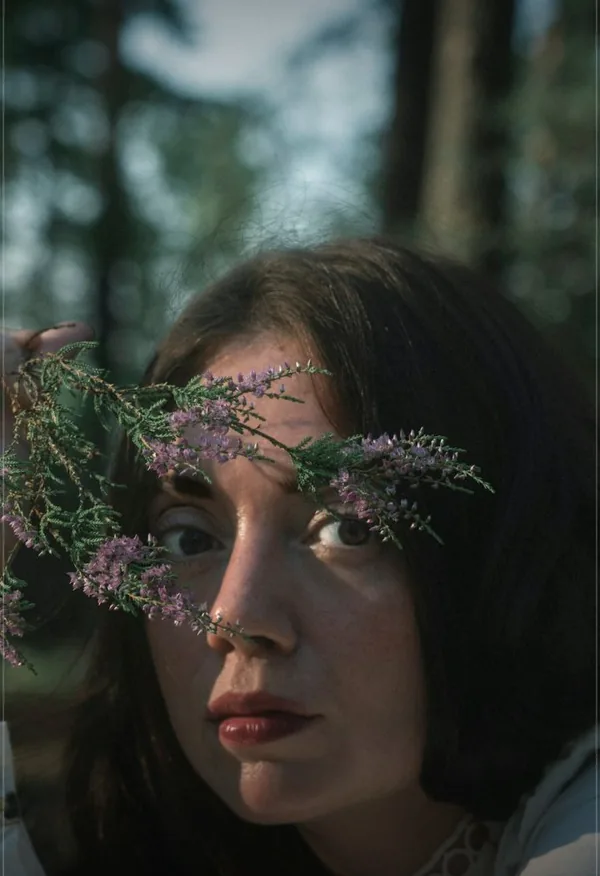
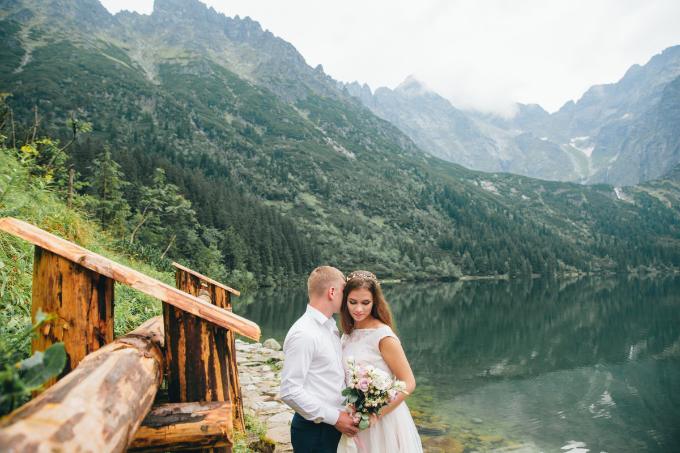
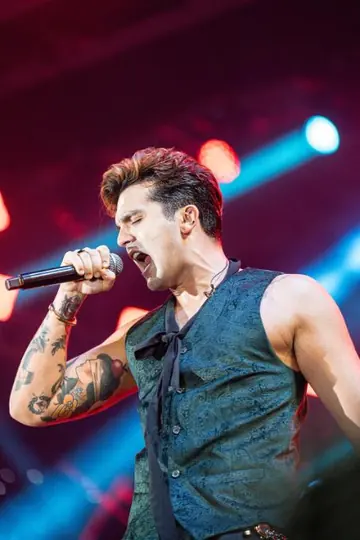
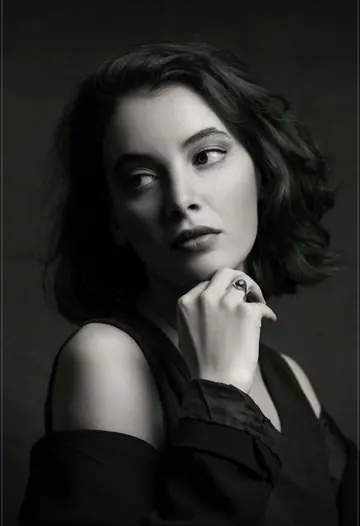
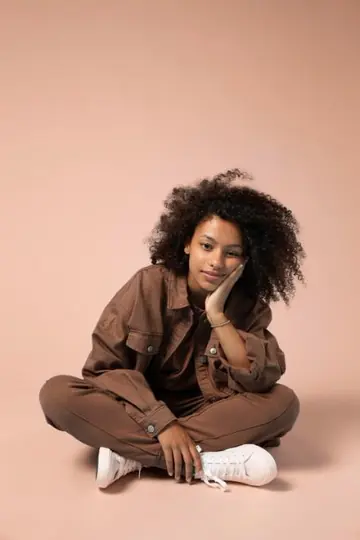
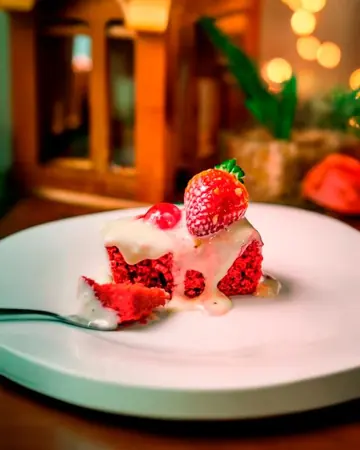
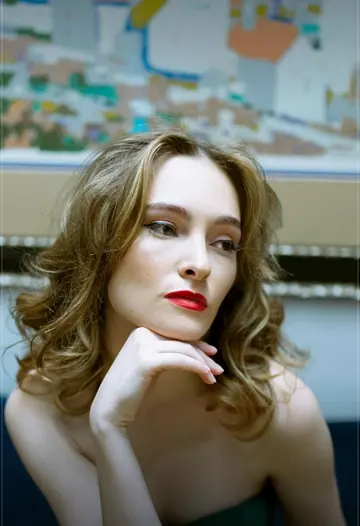
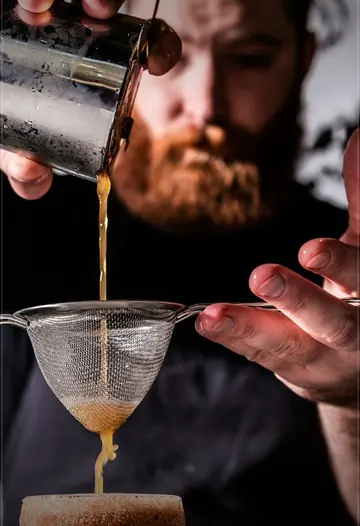
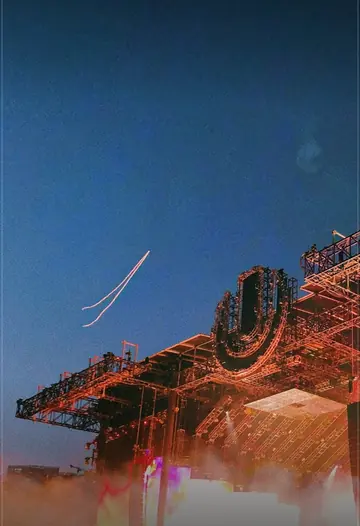
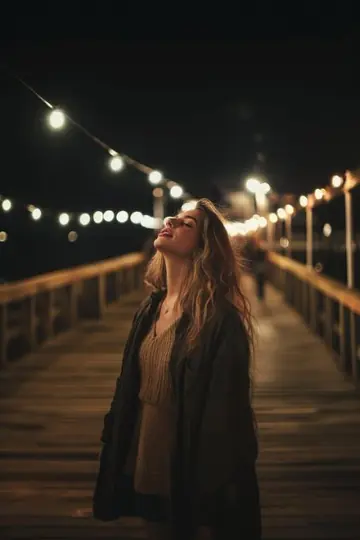
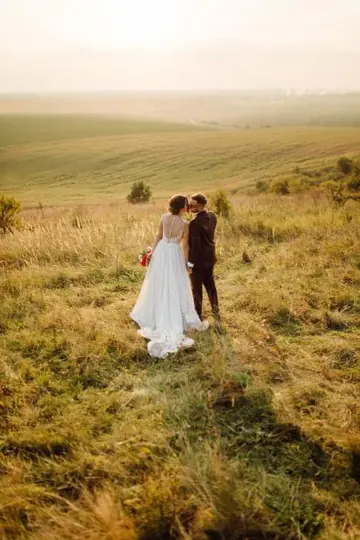
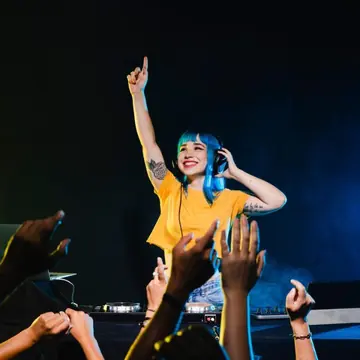
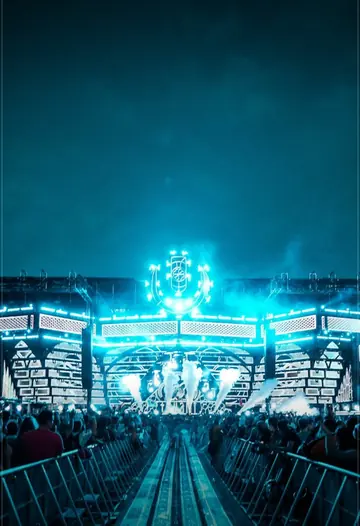
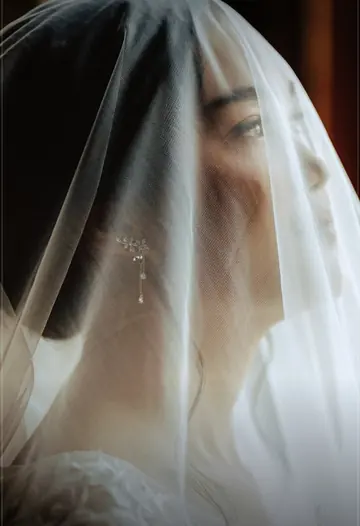
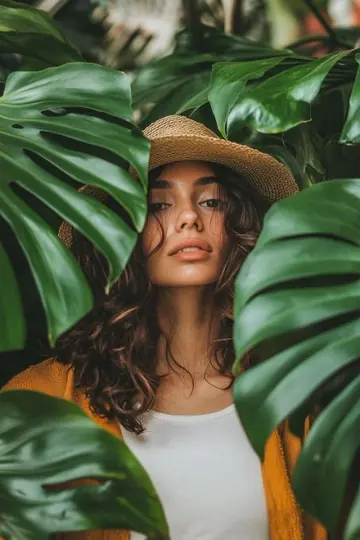
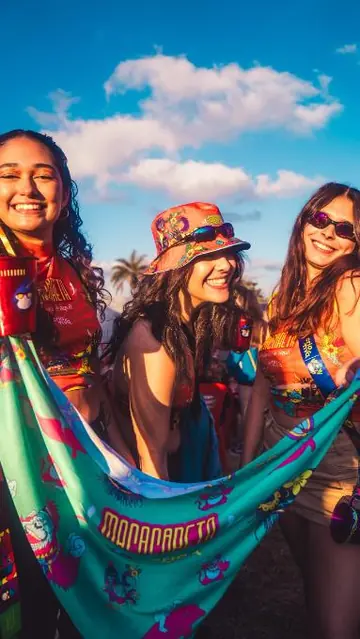
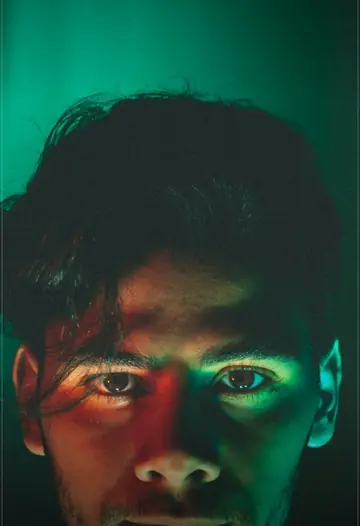
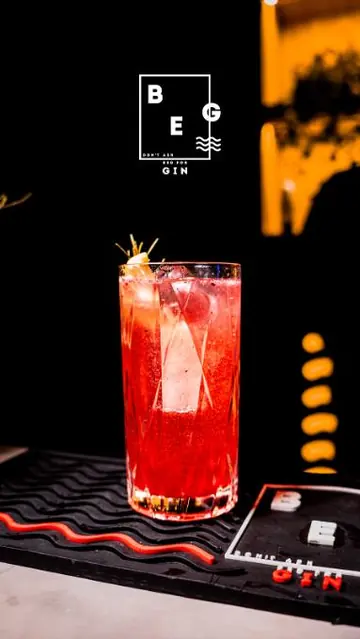
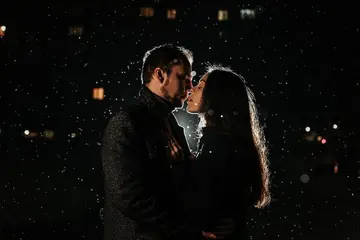
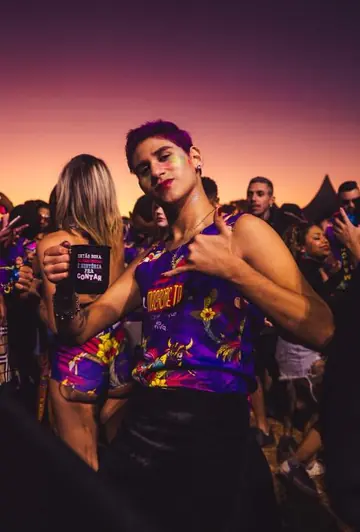
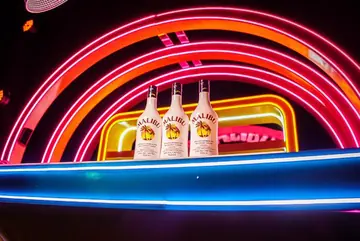
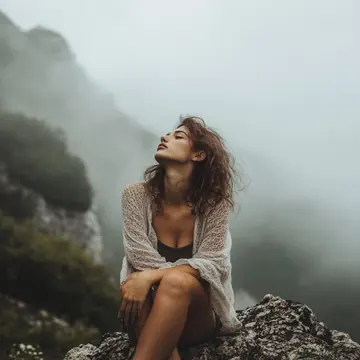
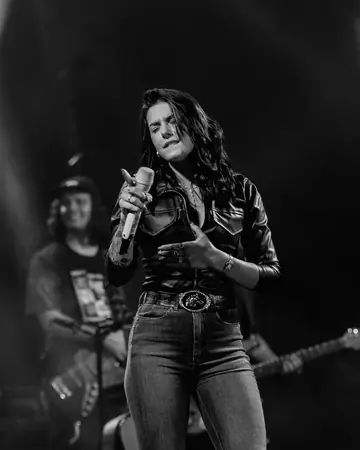
Photos edited with the presets in the pack, from weddings to festivals. Choose a scene type and tap a photo to enlarge it.
Each photo has different light and a different camera. The preset delivers the color; small adjustments, like exposure, depend on your photo.
Pick a preset and see a preview on sample photos. Adjust intensity, exposure and contrast. It is a simulation to give you an idea of the style.
Apply the preset, adjust the exposure and move on to the next photo. No building the color from scratch on every edit.
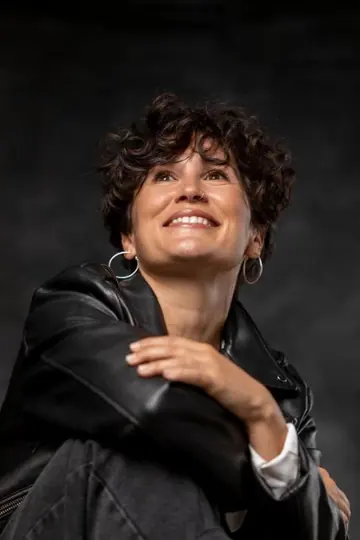
Natural skin tones, from portraits to the stage.
The same color identity across the whole delivery. Your portfolio gains consistency.
.xmp and .dng files: edit in Lightroom on your computer or right on your phone.
Access is unlocked as soon as your payment is confirmed. You get an email with the link and log in to the members area.
Hands-on lessons show you, step by step, how to install the presets in Lightroom on your computer (.xmp) and on your phone (.dng).
Choose the preset for the scene, apply it in 1 click, make the small adjustments (like exposure) and export.
From concerts and festivals to weddings, newborn, food and travel. Each collection was tuned for that light.
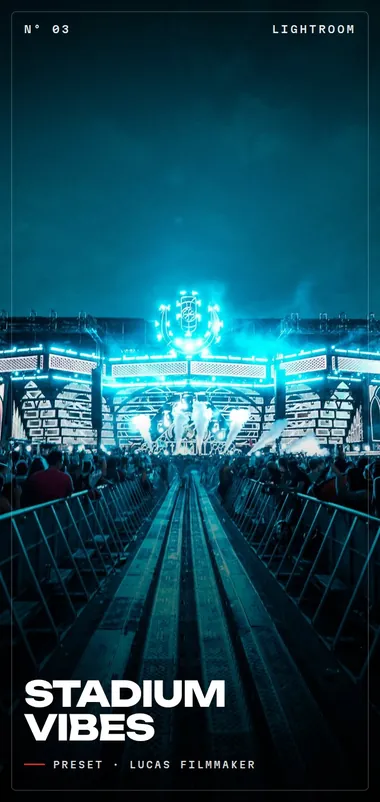
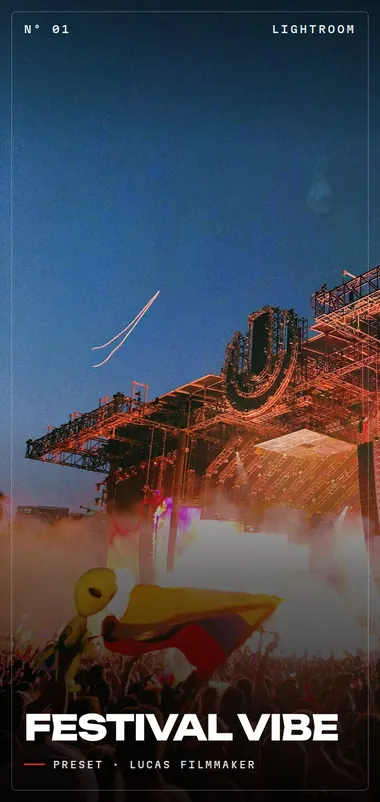
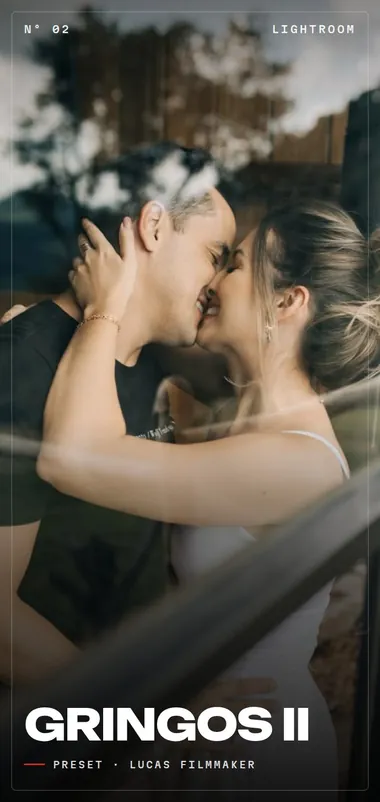
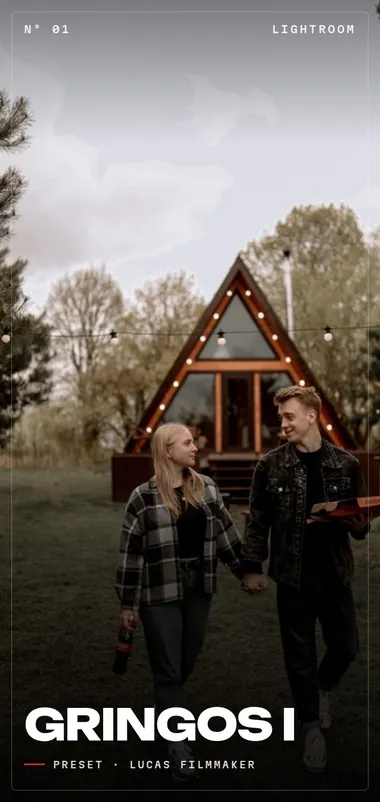
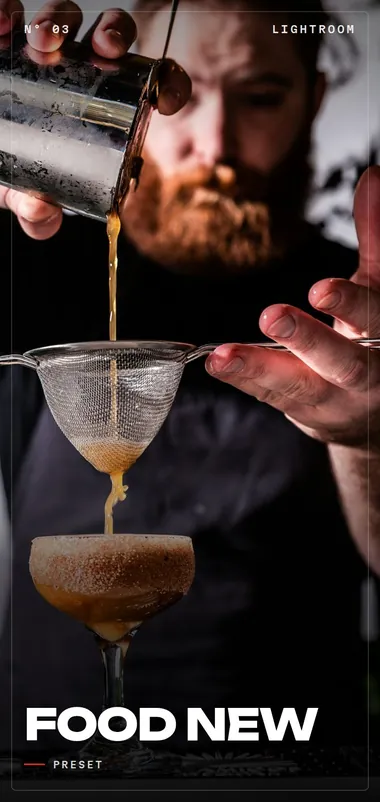
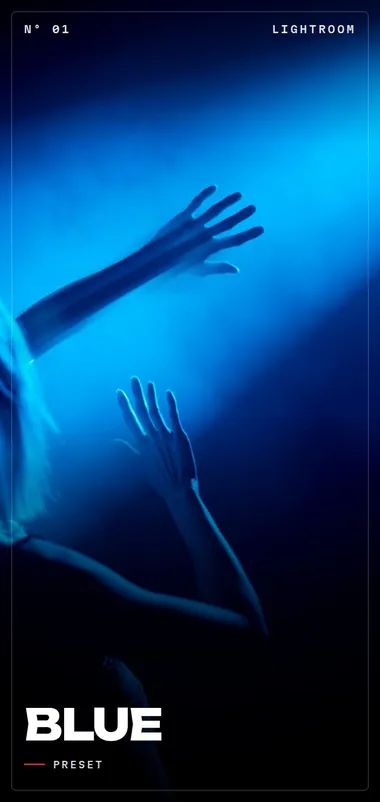
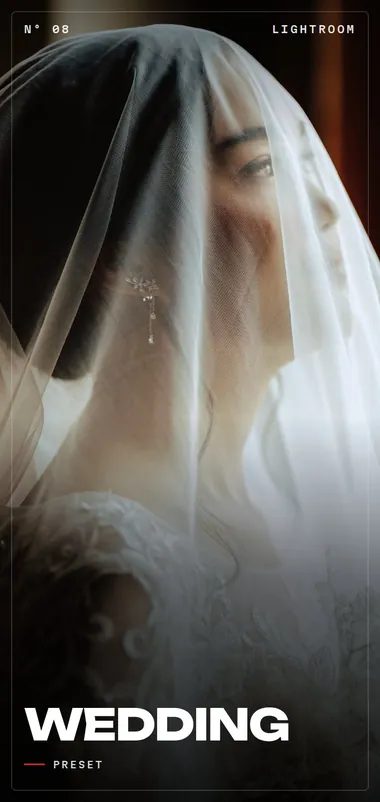
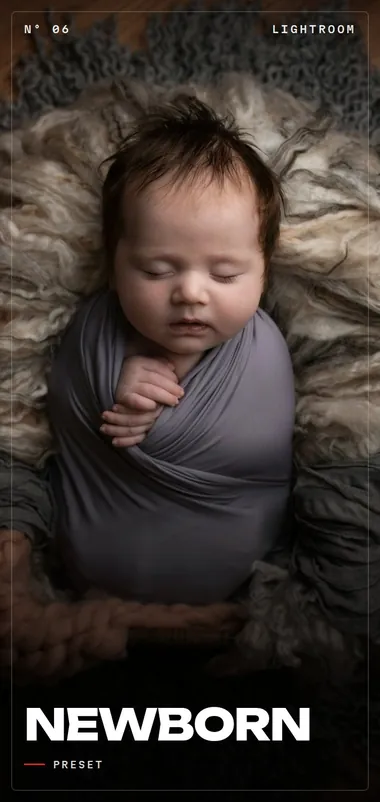
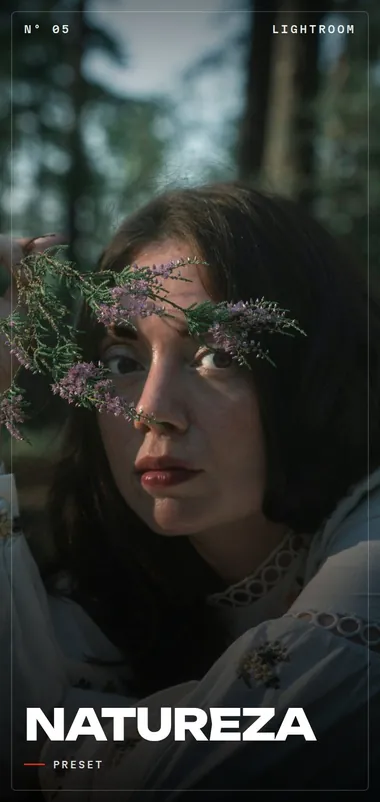
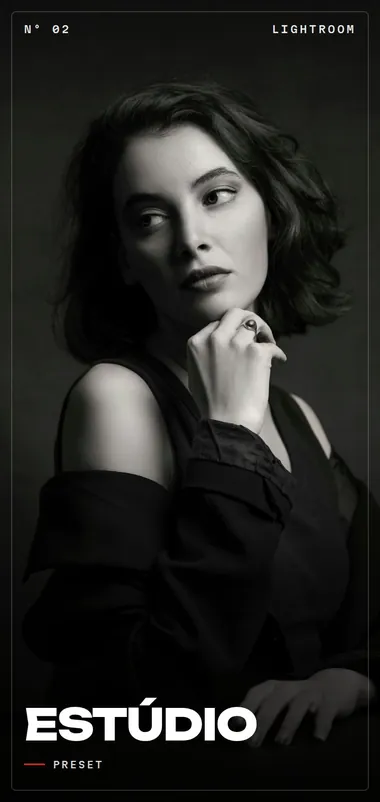
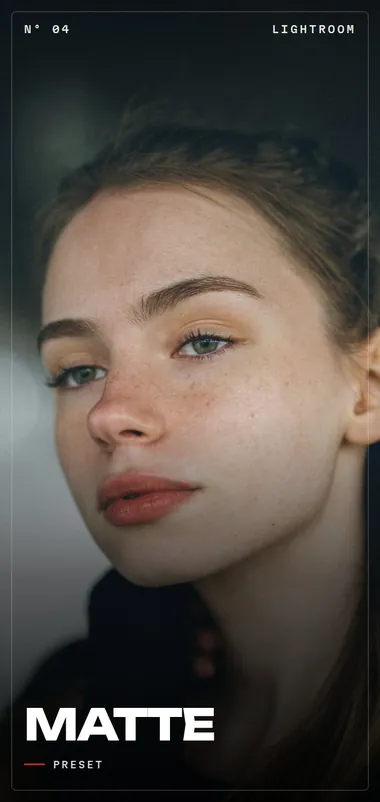
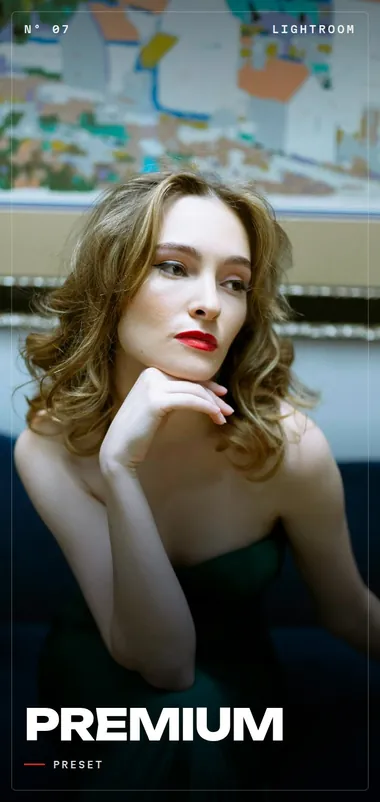
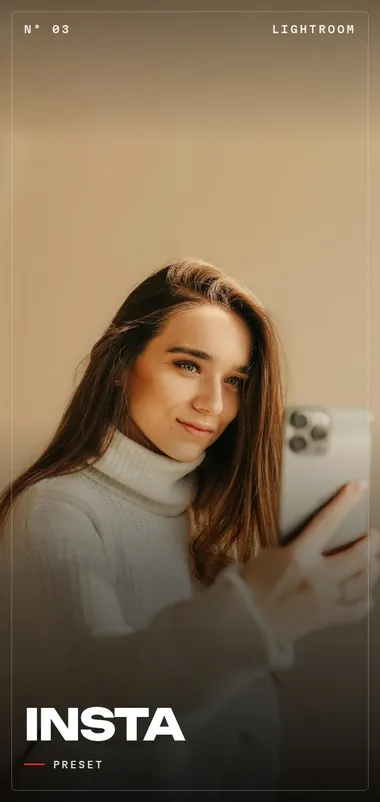
Organized by scene, with plenty of styles to find the right color for every job.
.xmp for Lightroom on your computer and .dng for Lightroom on your phone (free app). 250+ presets have a phone version.
Hands-on installation and usage lessons, straight to the point. It’s not a full editing course: it’s the shortest path to your first result.
With constant updates.
Weddings, photoshoots, newborn, nature, food, restaurants, concerts and festivals, travel and more.
Test them on your photos. If you don’t like them, we refund 100% of what you paid.
What people who already edit with the presets say (translated from Portuguese).
The best investment of the year. It gave my work a much more modern, consistent and sophisticated identity, and the clients soon noticed the difference in the delivery.
“They changed my workflow! It really optimized my time editing weddings, I highly recommend them.”
“Exactly the cinematic tone I was looking for. Beautiful contrast without losing the details.”
“Super versatile. They work super well both in natural light and in indoor settings. The vast majority of the time, I only need to adjust the exposure a little and the photo is ready to deliver to the client.”
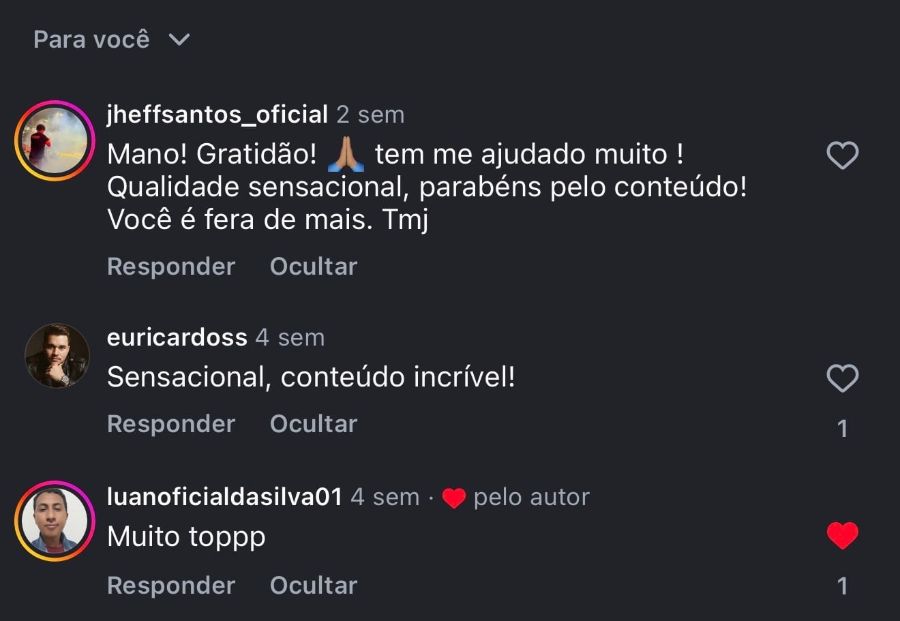
“Amazing how it gets skin tones right with just one click. It gave my portfolio a lot of consistency.”
“Easy to install, and they make photos look professional right away!”
“The mobile version saved my feed! I edit everything quickly on my phone.”
“Best value for money. Besides the wonderful colors, the support and the supporting material that come with them are a big help to anyone who wants to standardize their work.”
“Perfect for outdoor photos. The greens and earthy tones come out full of life, without looking artificial.”
“They saved one of my events that had terrible lighting. They recovered the whole gallery!”
“It’s not a generic pack. It’s the color I deliver to artists, brands and events, ready for you to use.”
Lucas Filmmaker, filmmaker and founder of Filmmaker Academy. I work with brands like Red Bull, iFood, Nespresso, Pandora and Aperol.
The app that turns the colors of any image into your own LUT. Add a reference, add your photo or video, fine-tune it and export the .cube for Premiere, DaVinci, Final Cut or CapCut.
🎁 A paid app. During Black November it comes free with your purchase.
Until Nov 30 · unlocked right away, inside the platform · 22 days left
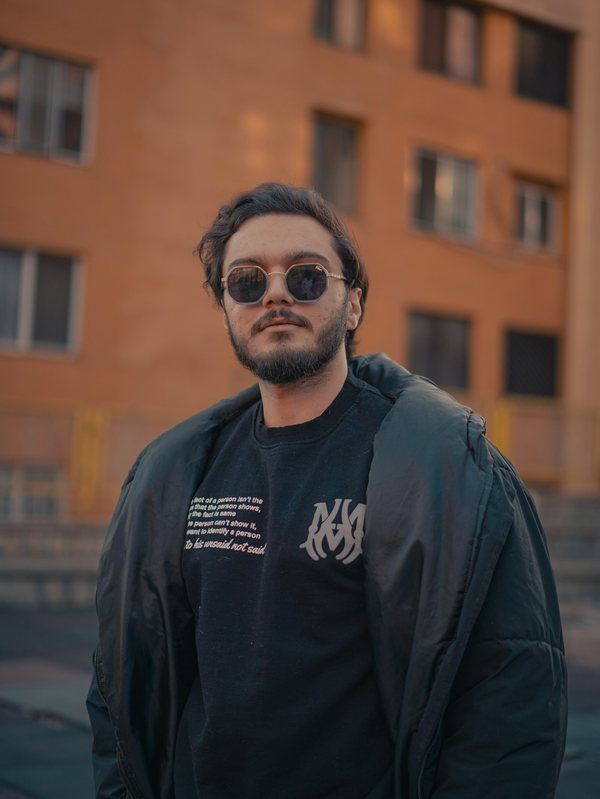
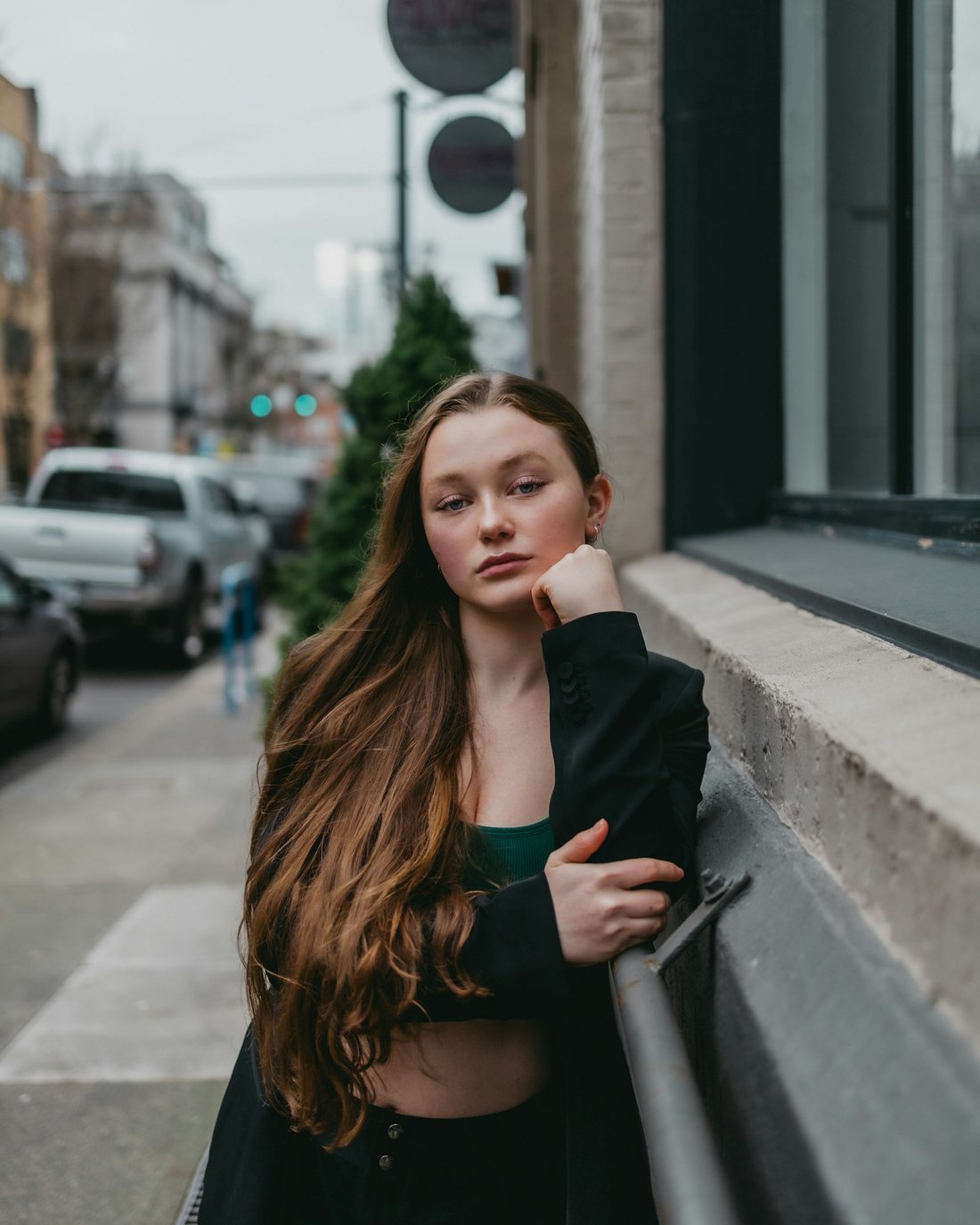
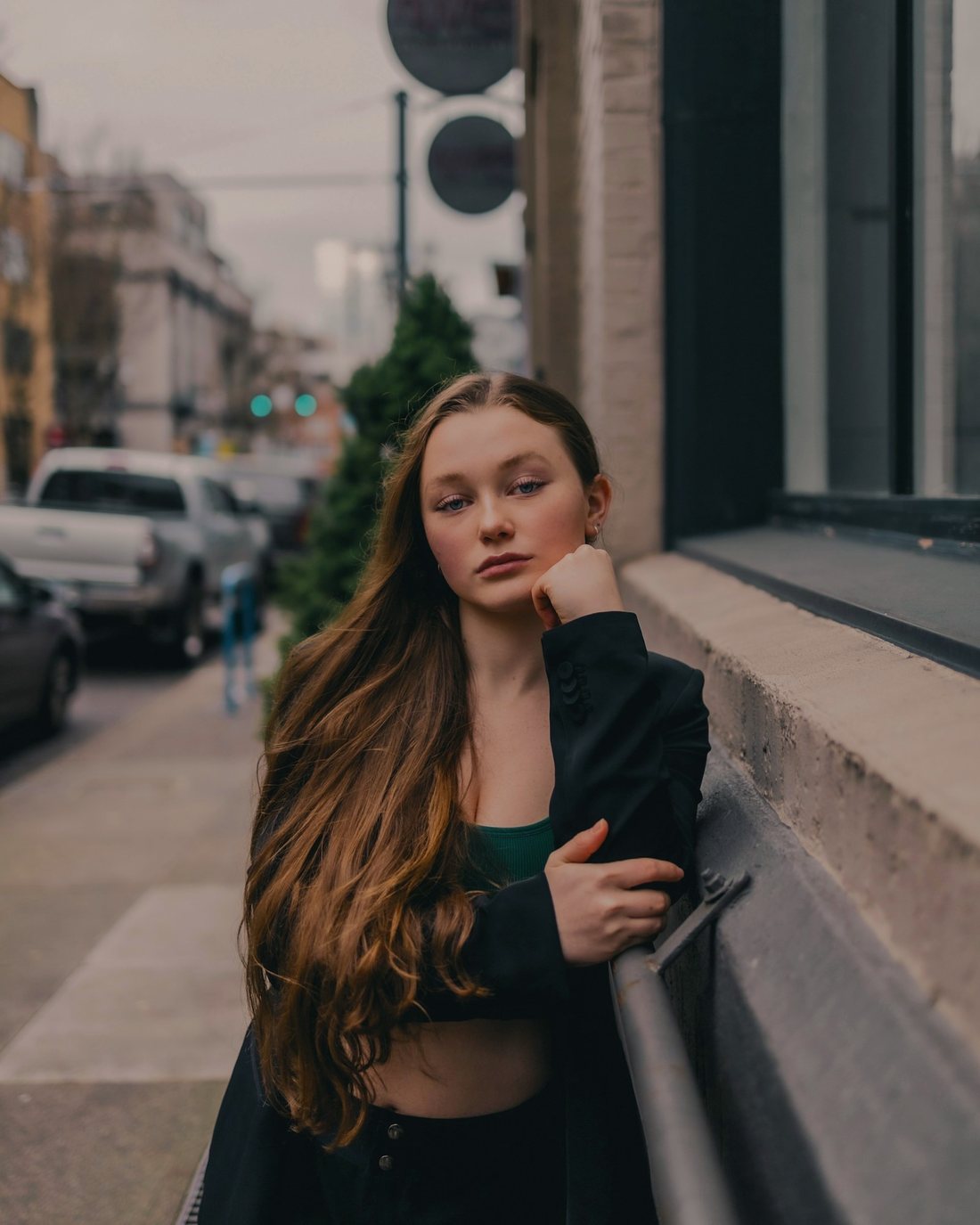
One-time payment. 1 year of access. 7-day guarantee.
Need more styles? Platinum brings together 500+ presets and already includes everything in Vol. 1.
Instant access · 7-day guarantee
“Best value for money.”
“The best investment of the year.”
“Easy to install, and they make photos look professional right away!”
Just R$ 63 more than Vol. 1 to get 500+ presets instead of 35.
Buy, install and test them on your photos. If you don’t like them, we refund 100% of what you paid.
You get 1 year of access, with constant updates.
Yes. You get .xmp files for your computer and .dng files for your phone, and it works in the free version of Lightroom. In Platinum, 250+ presets have a phone version.
It depends on the photo, but yes: you need to make small adjustments, like exposure. Every photo has different light. The preset delivers the color, and you do the fine-tuning.
You need to know the basics: how to use a preset and edit a photo (simple adjustments, like exposure). The lessons teach you how to install and use the presets, step by step.
They’re hands-on lessons on installing and using the presets, not a full editing course.
Vol. 1 has 35 presets to get you started (Shows and Events, plus Lifestyle and Portrait as a bonus). Platinum brings together 500+ presets for every scene, with 250+ in a phone version, and includes the super bonus.
Yes. The presets are for editing your own photos and the ones you deliver to your clients. Reselling, passing on or sharing the files is not allowed.
Access is unlocked right away. You get an email with the link and log in to the members area.
You have a 7-day guarantee. If you don’t like it, we refund 100% of what you paid.
Yes. Under “Pay in”, right above the plans, choose Brazilian real, US dollar or euro. Dollar and euro payments are by credit card, and you get access the same way: sign in to the Filmmaker Academy app with the email you used to buy.
Prefer to start smaller? Vol. 1 for R$ 34